What the number records
Google impressions describe how often content or links from your site appeared under the counting rules of a Google report. They measure visibility rather than visits. A person can be shown a result without choosing it, so an impression is not an enquiry or a sale.
In Search Console, Google impressions depend on the type of search result. Some items need to be brought into view, expanded or scrolled to before an impression is recorded. Use Google's definition for the report you are reading rather than assuming every result behaves identically.
Google impressions are not the same as unique people. One person can see your site through several searches, and a page can appear for many queries. The number therefore cannot tell you how many individual potential customers have considered your business.
Why impressions and clicks move differently
An increase in Google impressions can be a useful early sign that the site is appearing for more searches. Check whether those searches match the business. Visibility for an unrelated topic can increase the total without creating a realistic opportunity to sell anything.
Google impressions can grow while clicks remain flat if the new appearances happen at low positions or answer a question without a visit. That does not automatically mean the title is poor. Inspect the query, result type and destination together before choosing a fix.
Click-through rate uses Google impressions as its denominator: clicks divided by impressions, multiplied by one hundred. If a page receives twenty clicks from one thousand impressions, the CTR is two per cent. This is a hypothetical calculation, not a result from a VyrexCode client.
Read the right report
Compare Google impressions across equivalent date ranges and search types. Web, image and other reports have different contexts. Changing the filter and then comparing totals as though nothing changed produces an unreliable conclusion.
Page-level and property-level Google impressions can also aggregate differently. Search Console may assign performance to a canonical URL, and anonymised queries are not all shown in query tables. A sum of visible rows is not always a complete replacement for the property's reported total.
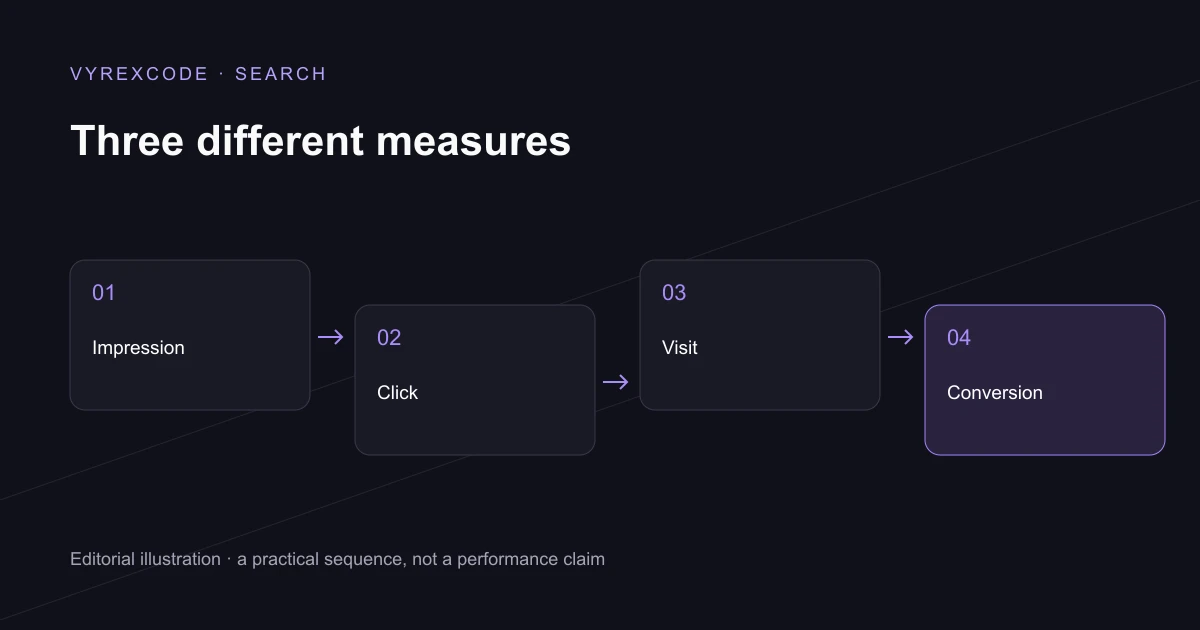
Useful reporting connects Google impressions to the next stages without collapsing them into one score. VyrexCode looks at search visibility, visits and landing-page customer actions separately. Each stage can reveal a different problem, from weak demand coverage to an enquiry form that loses people.
If Google impressions are rising but the business is seeing little benefit, VyrexCode can review the queries, destination pages and conversion journey through our managed SEO services. Bring a complete date range and the customer actions you want to measure.
What to investigate next
Choose a query with clear relevance to the business, then inspect its page. Does that page answer the question well, make the service understandable and offer a sensible next step? Improving that journey is more useful than trying to increase an isolated visibility number.
Keep a note of new content, title changes and site releases when reviewing performance. A dated record helps explain movement, while leaving room for other causes such as seasonality, competitors and changes to the search results.
Put the advice into practice
For a newly published page, initial appearances can help identify which questions Google associates with the answer. Inspect the relevance of those questions before deciding whether the content needs expanding or the commercial target is wrong.
For an established page, a sudden shift deserves a broader check. Compare the same filters, inspect the affected query mix and note any releases or seasonal events that overlap the dates.
The guide to earning more clicks covers the next decision when relevant visibility already exists. It focuses on the result and destination rather than treating a larger exposure total as the final goal.
Use a reporting note whenever the comparison changes. Switching country, device or search type can produce a different picture, so preserve the filter context beside the chart instead of relying on its headline number.