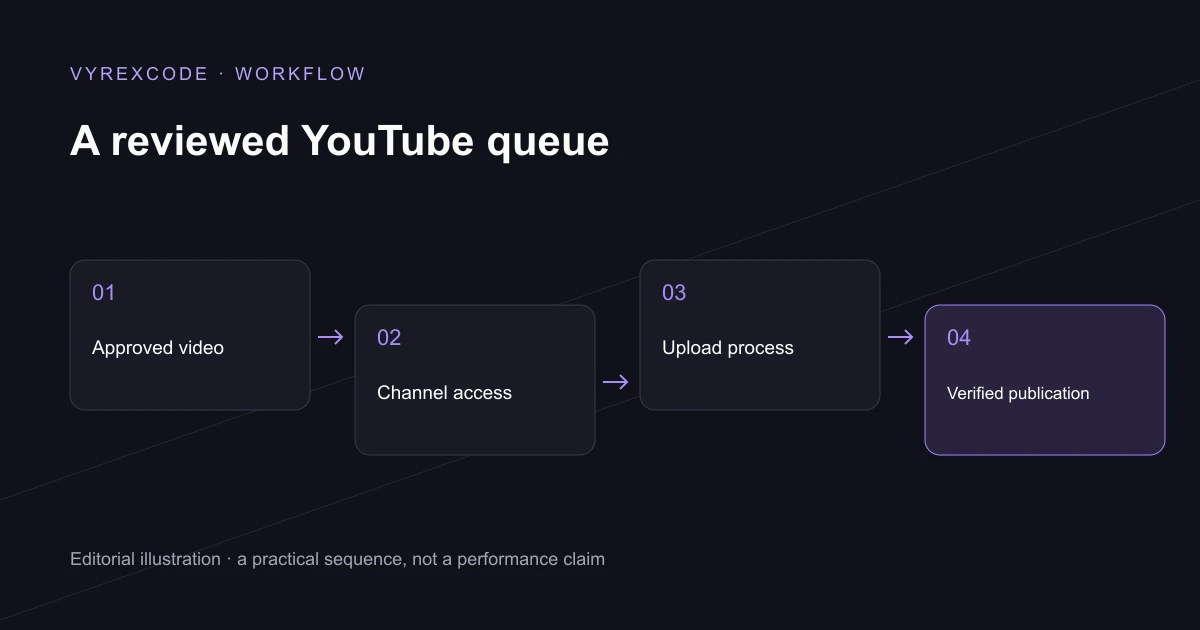
Separate preparing a video from publishing it
YouTube automation can connect approved video files, metadata and a publishing schedule. AI may help draft a title, description or content idea, while the publishing system handles the account and upload. Those are separate responsibilities, and a fluent draft is not evidence that a video is ready to publish.
Start YouTube automation with material you own or have permission to use. Keep the approved file attached to the exact title, description and destination channel. If any of those change after review, the system should require the relevant review again before publishing the new version.
Useful YouTube automation includes a clear approval point. Decide who checks factual claims, media rights and the final edit. VyrexCode builds automation around a bounded workflow so that generating a suggestion does not silently grant permission to publish it.
Connect the authorised channel
Official YouTube automation uses the platform's supported publishing interfaces with the required account authorisation. The YouTube Data API supports video uploads and metadata. Account permissions, project requirements and current quotas still apply; an integration does not bypass the platform's rules.
Scheduling within YouTube automation needs a record of the intended release time and timezone. Keep the approved version fixed and check the platform's publishing state. A local job marked sent does not by itself prove that viewers can see the video.
YouTube automation should preserve the platform's current requirements for altered or synthetic media. Review whether the video's content requires disclosure rather than assuming all AI-assisted work receives the same treatment. The person approving publication needs enough context to make that decision.
Handle failures without duplicate uploads
A reliable YouTube automation system stores the upload identifier and checks its state before retrying an uncertain request. If a response is lost, immediately starting the same upload again can create duplicates. Reconciliation is part of the workflow, not an optional reporting feature.
YouTube automation also needs an exception queue for files that fail processing or account access that needs attention. Show the reason in useful language and give the team a controlled retry. Keep the failed item attached to its intended channel and version.
Measure YouTube automation through approved items, successful publications, failures and time saved. VyrexCode can connect the publishing workflow to the systems your team already uses. Channel growth remains a separate outcome influenced by the content and audience, rather than a guaranteed consequence of scheduling.
If you need YouTube automation for an authorised business channel, bring the current process to VyrexCode. Our AI automation agency UK service can scope preparation, review, scheduling and verification. VyrexCode will define the account access and failure handling around the actual publishing job.
Start with one repeatable format
Choose a format your team already produces reliably, such as a recurring demonstration or approved short clip. Define the required fields and an acceptance checklist before connecting the publishing step. A small working queue is easier to evaluate than an undefined fully automatic channel.
Retain a publication record containing the approved version, destination, scheduled time and observed result. That gives the team a practical answer when somebody asks what went live, where it appeared and which version was used.
Put the advice into practice
For a recurring series, YouTube automation should keep the channel and release time visible beside every approved item. That gives the reviewer a chance to catch a destination or scheduling mistake before the upload begins.
For a larger library, YouTube automation needs a stable content identity as well as a filename. Staff should be able to tell whether a new file is a revision, a replacement or a different item.
The business automation guide explains the broader task-selection decision. This publishing workflow is a specific example of connecting a bounded action to review and verification.
When publishing access changes, pause the affected items and identify the required account action. Preserve the approved version and queue history so reconnecting the account does not turn recovery into another unreviewed release.