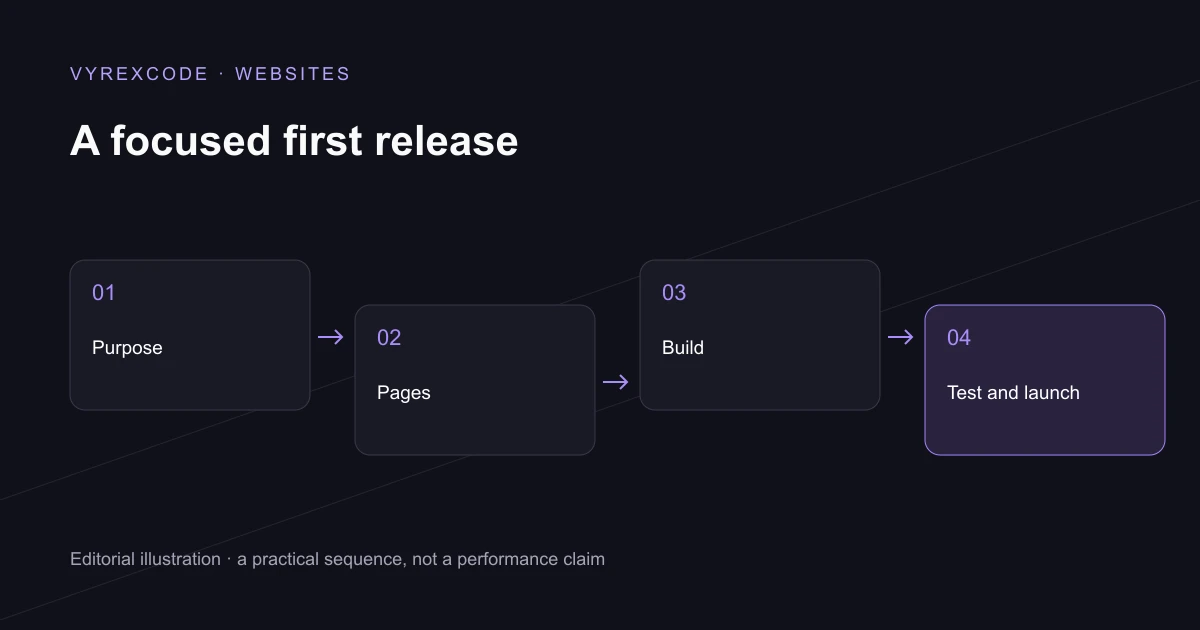
Define the job before choosing the software
To make a website for your business, start with the action a visitor should complete. That might be requesting a quote, booking an appointment or buying a product. The answer determines which pages, information and systems the first version needs.
Before you make a website, list the main customer questions. Explain the service, who it suits, what happens next and how to contact the business. A short site answering those questions clearly can be more useful than a large collection of thin pages.
Choose a domain you can own and manage when you make a website. Register it through an account controlled by the business and record the renewal arrangements. The domain is a long-term address, so it should not depend on access to somebody else's personal account.
Choose a suitable way to build
You can make a website with a hosted builder, a content management system or custom development. Match the approach to the requirements and your capacity to maintain it. A standard brochure site and a permission-based customer portal are different engineering tasks.
When you make a website, plan content and design together. Use readable headings, clear navigation and images that genuinely explain the offer. VyrexCode designs the customer journey around the information somebody needs before they are ready to enquire.
If you make a website that collects enquiries, define the handoff to the team. Decide where submissions are stored, how staff are notified and how failures are detected. A contact form is part of a business process, rather than a decorative final page.
Prepare the first public release
To make a website discoverable, give important pages useful titles, canonical addresses and internal links. Check that production pages have the intended indexing settings. A sitemap supports discovery, but it cannot replace a useful page or guarantee inclusion in search results.
Test the complete journey before you make a website public. Use a phone and a keyboard, follow the navigation and check the agreed enquiry or purchase flow. Fix errors where they happen and make the next step understandable.
After you make a website, keep the content, dependencies and access arrangements maintained. VyrexCode can help with the build and the systems around it, but the ongoing responsibility should be named in the agreement. Launch is the start of operating the site.
If you want to make a website without handling the planning and technical work yourself, speak to VyrexCode about custom website development. Bring the intended customer action and any existing systems. VyrexCode can turn those requirements into a scoped build and handover.
Keep the first version focused
Write an acceptance list before development begins. Include the important page types, device checks, integrations and ownership requirements. That list gives everyone a shared definition of finished and helps prevent optional ideas from delaying the useful release.
Once the site is live, review real enquiries and the questions customers still ask. Use that evidence to decide what to improve next. New features should solve a problem the business can describe, rather than simply filling space.
Put the advice into practice
When you make a website with an existing customer base, ask which information people repeatedly request. Those questions can guide the first page structure and reduce unnecessary writing.
If you make a website that accepts payments, test failed and repeated actions as well as a successful order. The system needs to show a customer what happened without recording duplicate purchases.
Use the platform comparison guide when deciding the implementation route. Choose the approach that supports the actual requirement and maintenance capacity.
For a replacement site, use the migration checklist before release. Existing addresses and customer journeys need deliberate continuity rather than an assumption that a new design replaces them automatically.